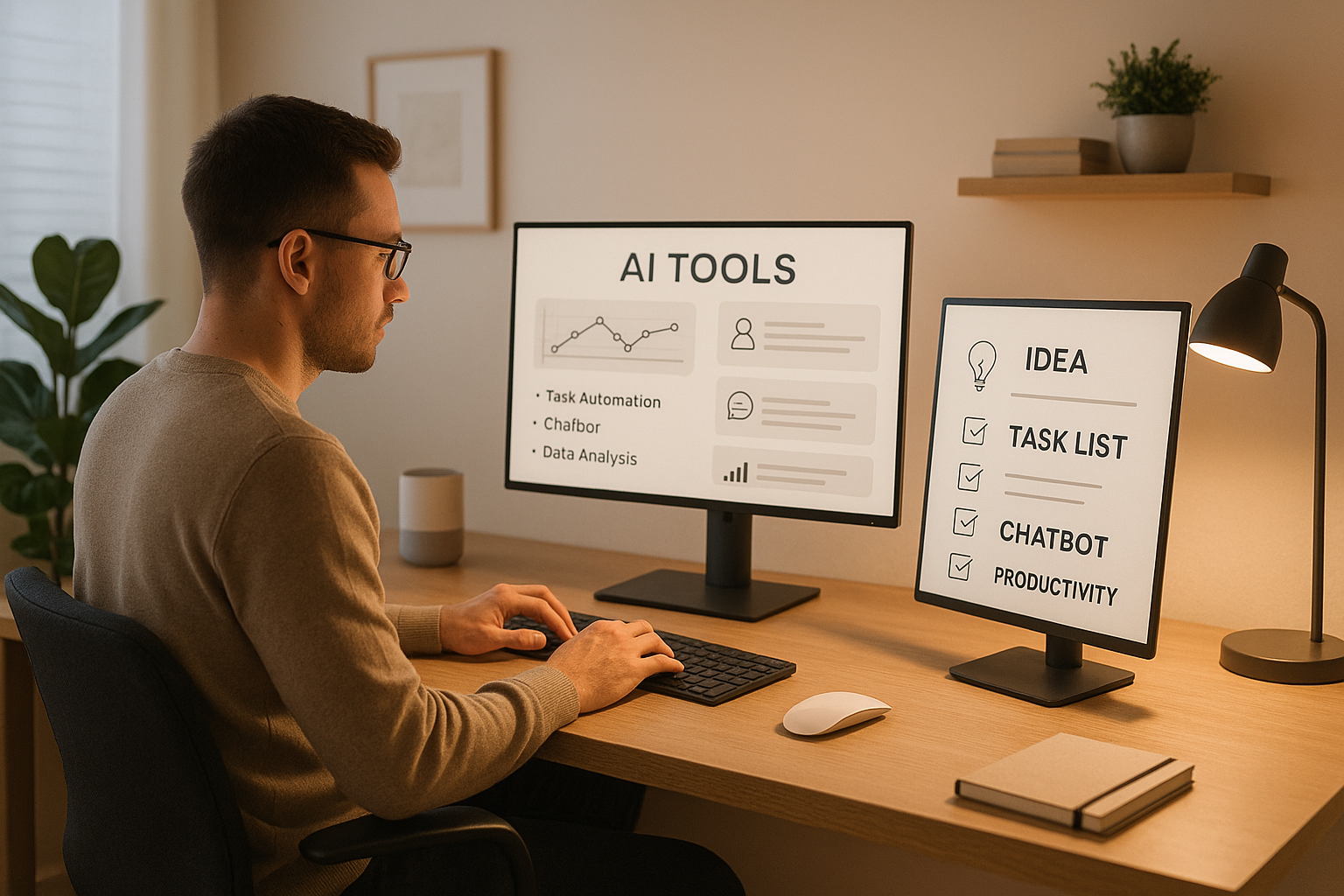
10 Ways AI Tools Boost Remote Work Productivity
AI tools are transforming remote work, making tasks faster, communication clearer, and workflows simpler. Whether you're managing projects, scheduling meetings, or improving team collaboration, these tools save time and reduce effort. Here are 10 AI-powered solutions that are helping Australian remote teams work smarter in 2025:
Smartsheet: Automates workflows and tracks project progress in real time.
Slack with AI: Simplifies communication with features like meeting transcription.
Asana: Uses AI to prioritise tasks and monitor productivity.
Notion AI: Speeds up documentation and knowledge sharing.
Monday.com: Tracks team performance and flags workflow risks.
Clockwise: Optimises calendars to maximise focus time.
Grammarly: Ensures clear, professional writing tailored to Australian English.
TimeHero: Forecasts workloads and adjusts schedules efficiently.
Workday: Focuses on employee well-being with AI-driven insights.
Miro AI: Enhances visual collaboration for cross-functional teams.
These tools address common remote work challenges like miscommunication, meeting overload, and task management. Many offer free trials, making it easy to find the right fit for your team. Start small by solving your biggest pain points, and let AI handle the repetitive tasks so your team can focus on what matters.
AI Won't Kill Remote Jobs It Will Supercharge Them (Marissa Goldberg)
1. Smartsheet: Workflow Automation for Task Management
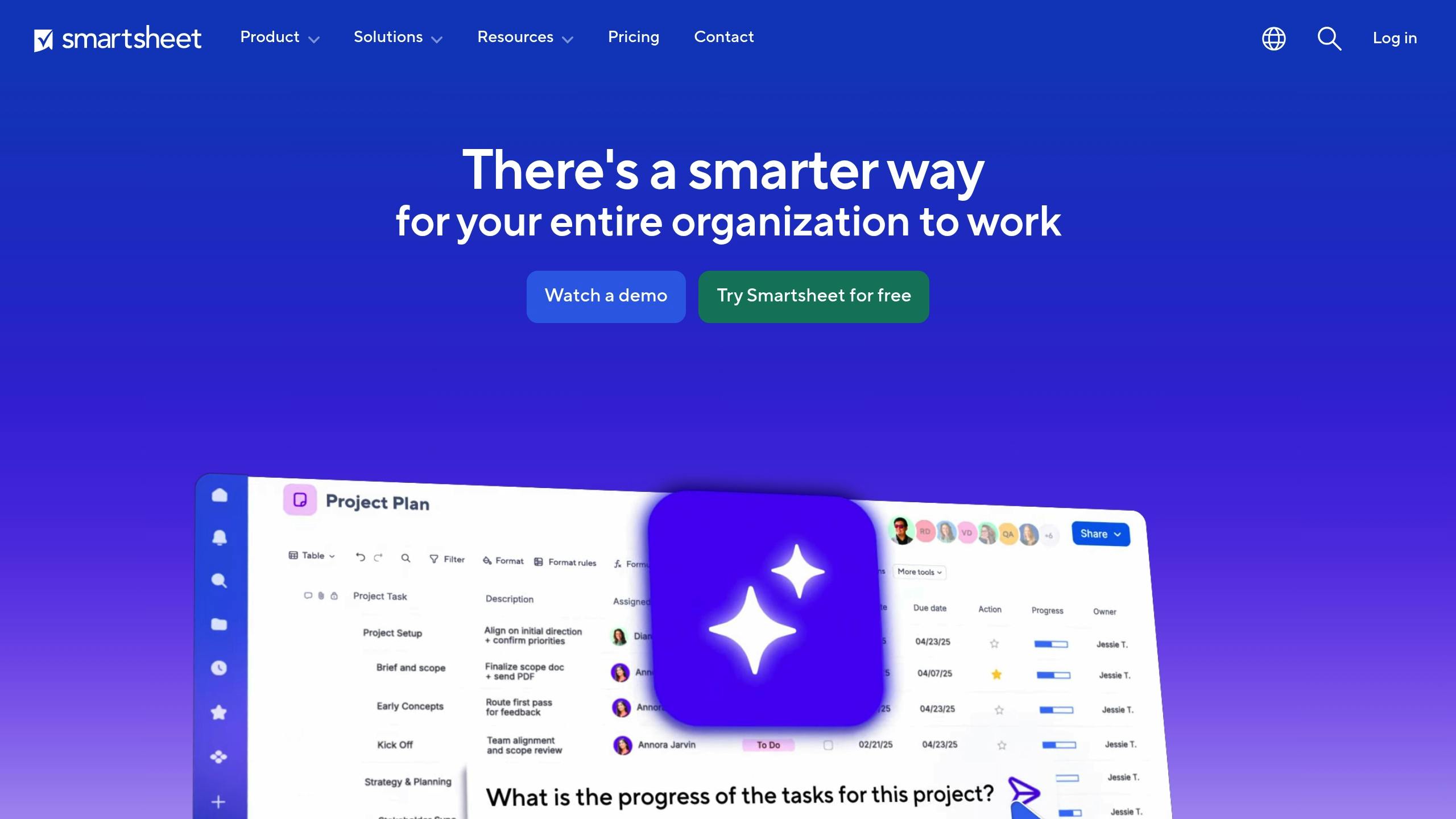
Smartsheet redefines how remote teams handle repetitive tasks by automating workflows. By incorporating AI, the platform minimises manual data entry, saving valuable time and effort. For remote teams in Australia, where varied time zones and locations can complicate collaboration, having instant access to project updates is essential. Smartsheet addresses this challenge with a centralised dashboard that highlights project progress, task responsibilities, and deadlines, helping teams stay accountable and work more efficiently.
"Platforms like Smartsheet use AI to streamline workflows, automate repetitive tasks, and provide real-time visibility into projects, ensuring greater accountability, efficiency, and agility." - Helen Masters, Managing Director (APJ), Smartsheet [1]
2. Slack with AI Integration: Better Communication and Notifications
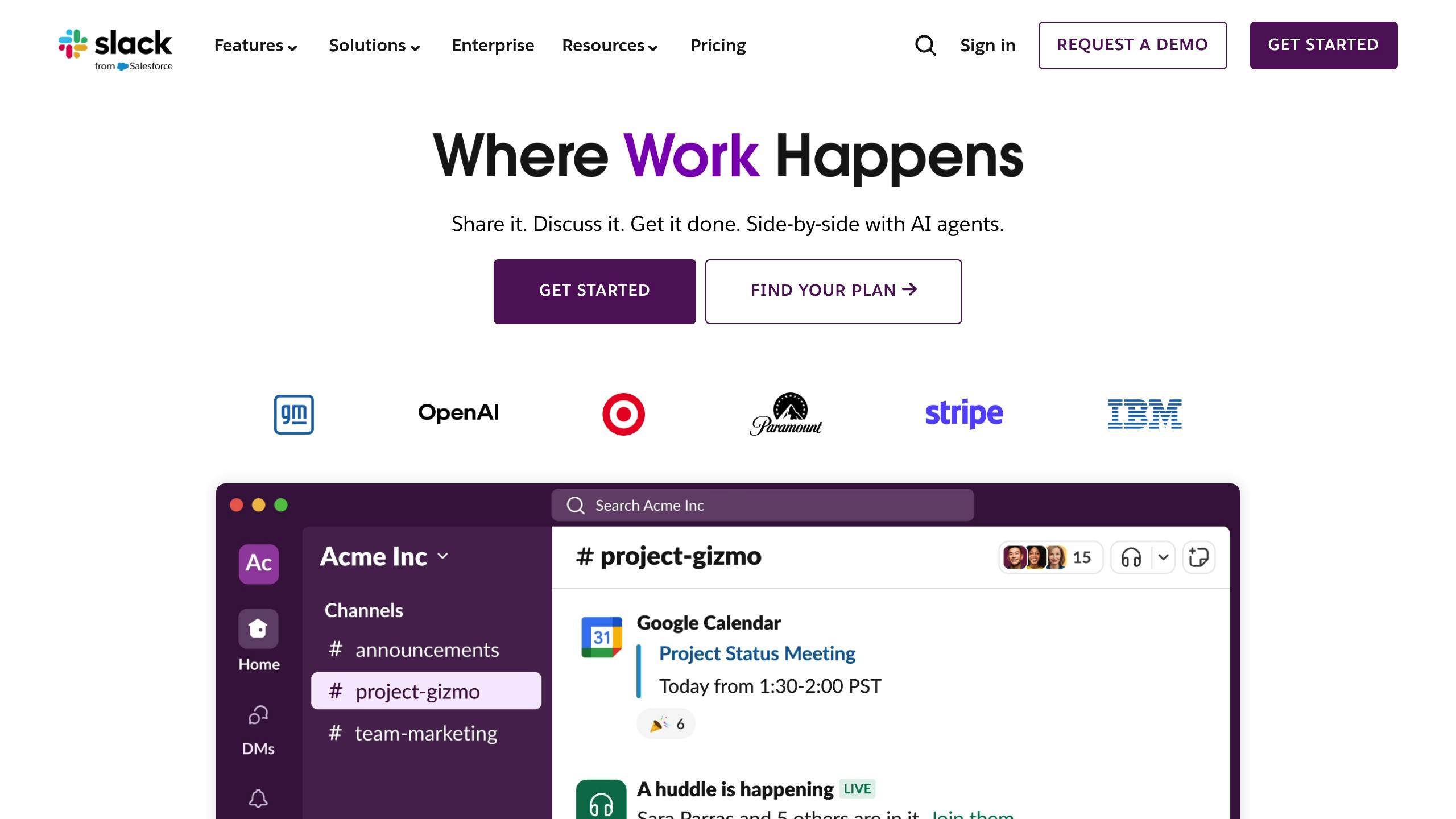
Slack has become a go-to tool for remote teams across Australia, and its AI integrations take collaboration to the next level. These smart features are designed to streamline communication and keep everyone on the same page. For instance, tools like Fireflies.ai can integrate seamlessly with Slack to automatically save and organise meeting transcripts. This means team members can easily search through past discussions and decisions whenever they need to, saving time and reducing misunderstandings [2].
Next, discover how Asana uses AI for project management.
3. Asana: AI-Assisted Project Management for Remote Teams
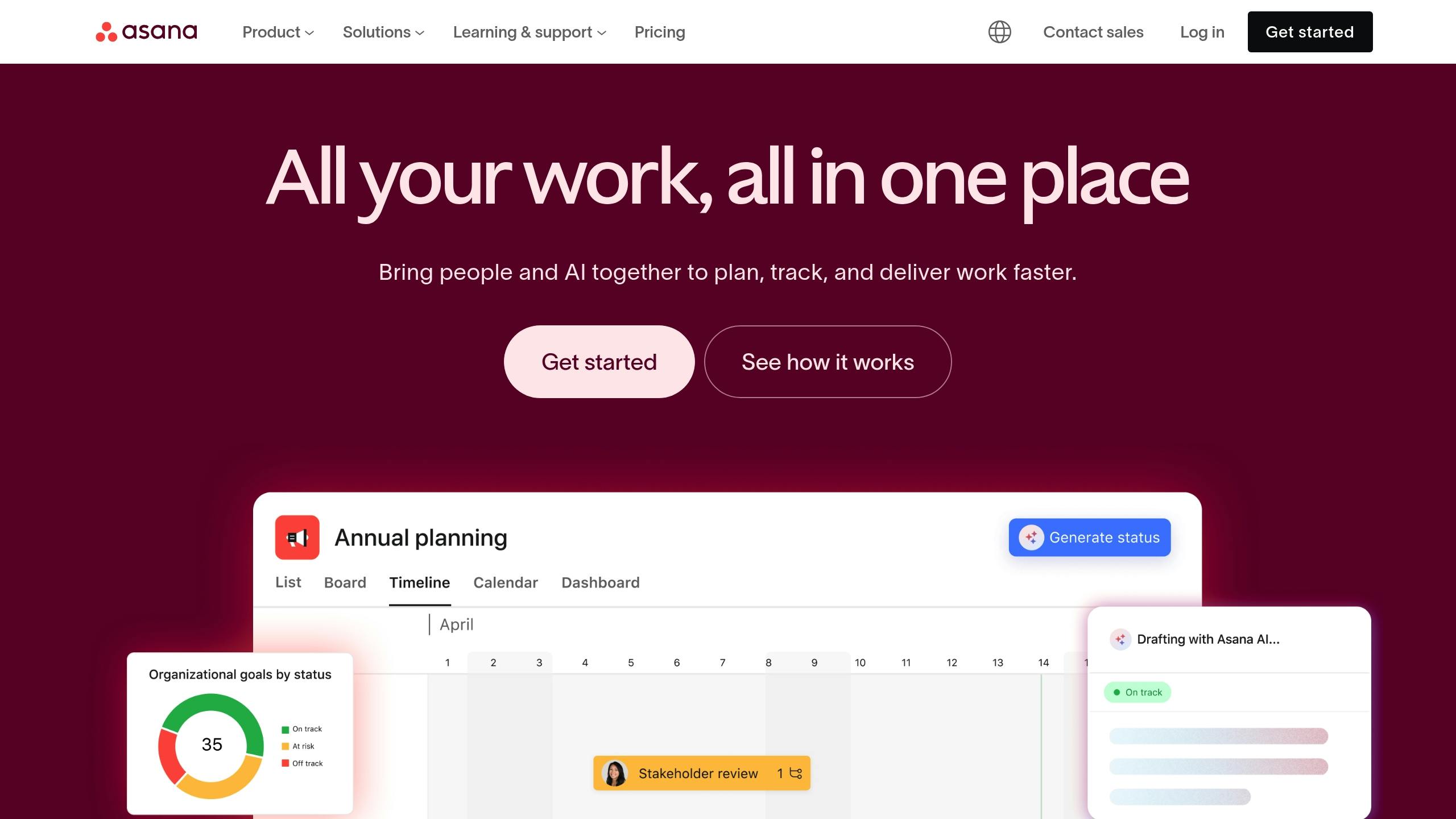
Asana is a highly effective project management tool tailored to help Australian remote teams stay organised and on track [2]. It allows managers to assign tasks, track project progress, and keep team members updated - all without the hassle of constant status meetings. This streamlined approach keeps everyone in the loop with minimal effort.
With built-in features, Asana simplifies scheduling and task organisation, reducing the chances of confusion or missed deadlines [2]. On top of that, its AI-powered tools take efficiency to the next level.
Asana's AI features include smart summaries and automated task suggestions [3]. By analysing workflow patterns, these tools prioritise tasks based on deadlines or urgency, ensuring that critical work gets the attention it needs [4].
For teams managing several projects at once, Asana offers a productivity monitoring feature. This helps managers oversee workload distribution and spot potential bottlenecks, all while avoiding the pitfalls of micromanagement [2].
Next, let’s explore how Notion AI transforms documentation and knowledge sharing.
4. Notion AI: Collaborative Documentation and Knowledge Management
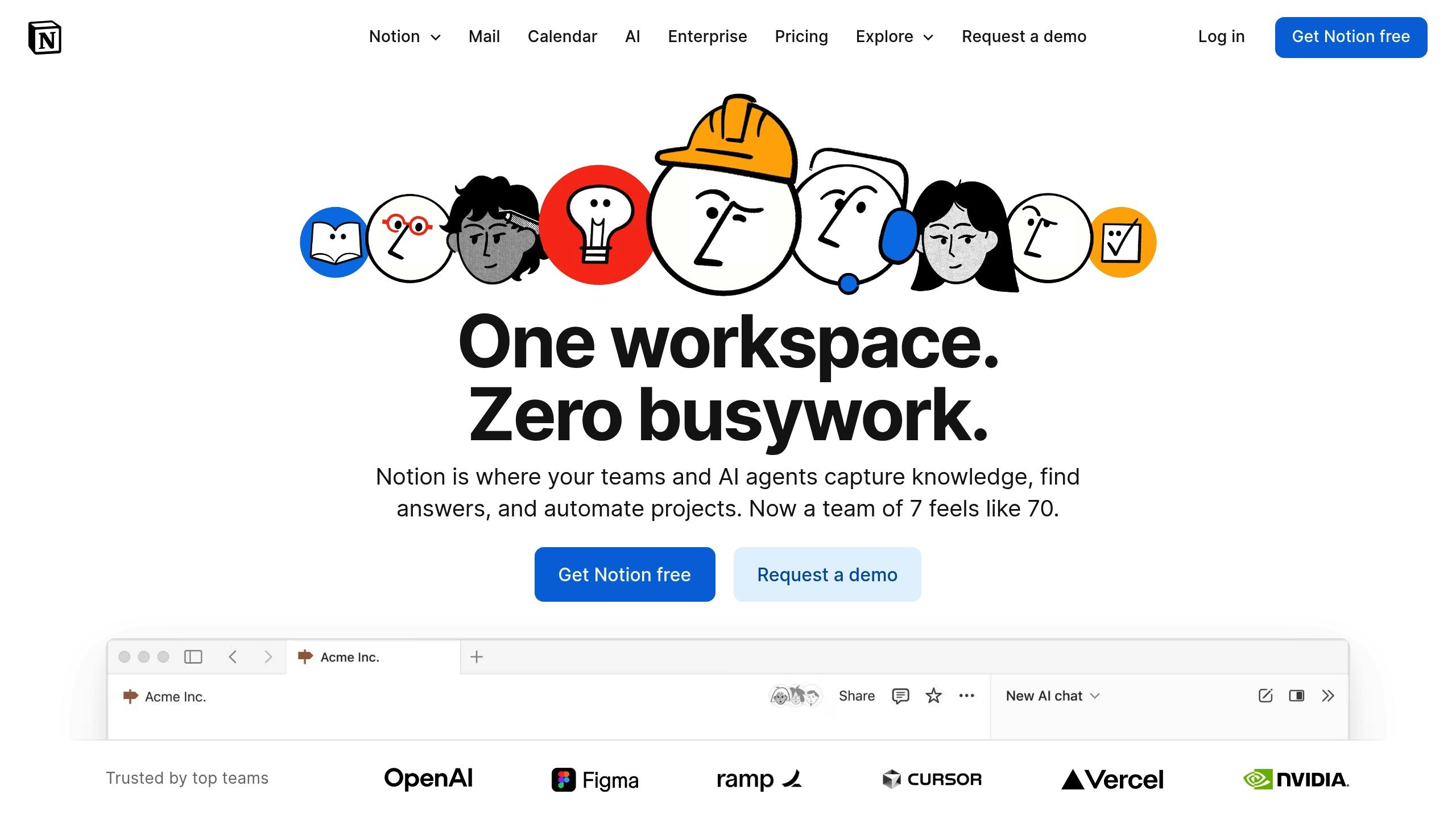
Notion AI has quickly become a favourite for Australian remote teams aiming to simplify their documentation processes and ensure everyone stays aligned. By 2025, it’s a must-have tool for planning, note-taking, and organising content effectively [5].
One of the biggest challenges in remote work is managing repetitive documentation tasks. Notion AI tackles this head-on by automatically summarising meetings and notes, saving hours of manual work. It also suggests actionable items and transforms messy, unstructured notes into clear, structured plans - all without the need for extensive manual input.
The tool supports every phase of content creation, from brainstorming ideas to polishing final drafts [2]. It can even translate content and check spelling, making it especially useful for Australian teams collaborating on global projects [2].
Notion AI goes beyond documentation by improving team collaboration with instant access to shared knowledge. Its Q&A feature allows team members to quickly query wikis, project documents, or meeting notes [3]. This ensures that projects keep moving, even when team members are working across different time zones. For Australian teams working with international partners, this feature is invaluable, as it ensures everyone stays informed, even if they couldn’t attend a meeting.
Another advantage? It integrates directly into the existing Notion workspace [5]. Teams can continue using the platform they’re already familiar with, avoiding the hassle of learning new tools or juggling multiple apps. While Notion AI is efficient at drafting and organising, human oversight is still crucial to ensure accuracy and clarity [2].
By streamlining tasks like note-taking, idea generation, and drafting, Notion AI frees up time for remote teams to focus on more important, strategic work rather than getting bogged down in administrative tasks.
Next, we’ll explore how Monday.com helps teams track performance and goals in real-time.
5. Monday.com: Real-Time Performance and Goal Tracking
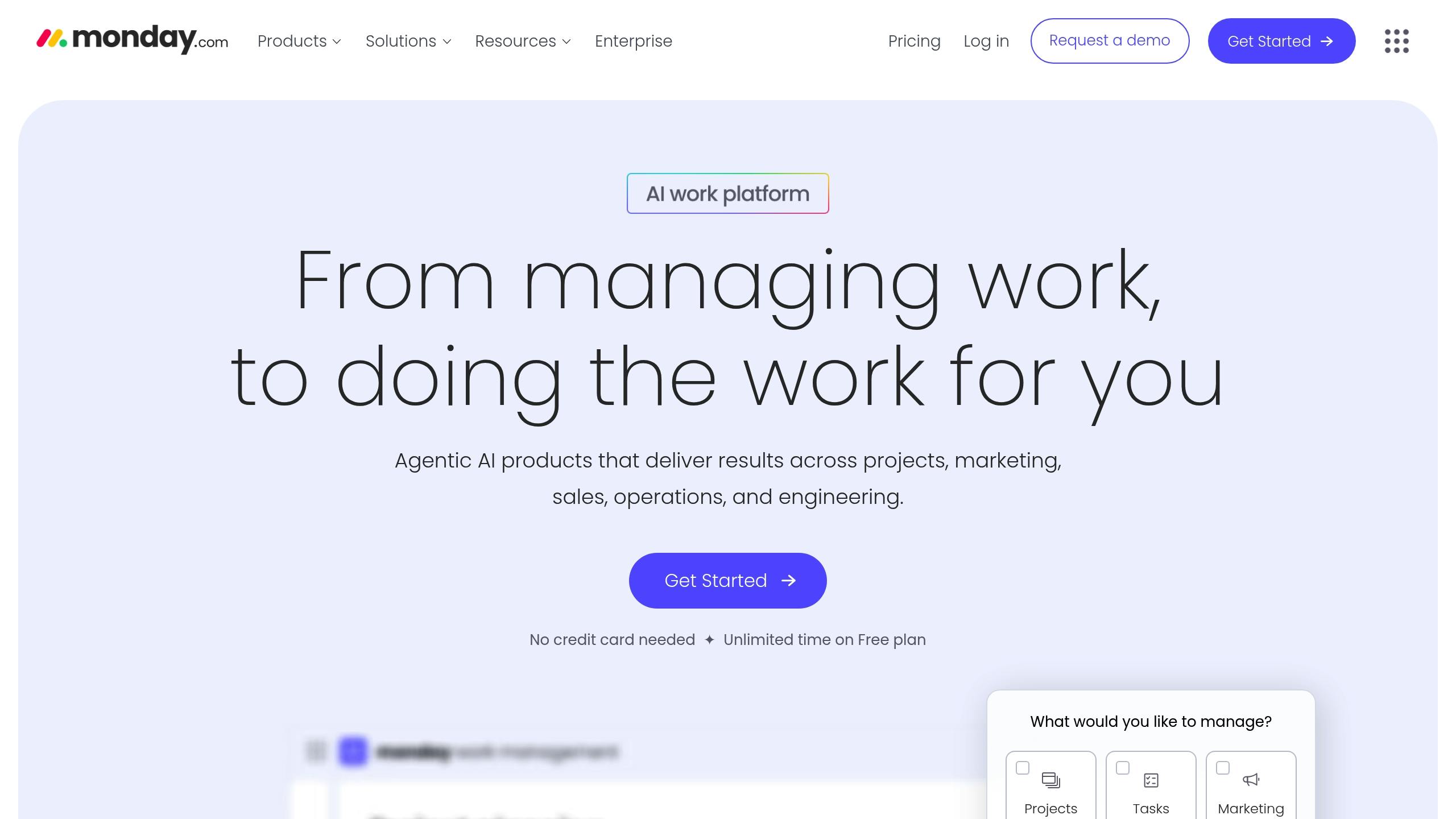
Monday.com is a platform that leverages AI to help Australian remote teams monitor their performance metrics and achieve their goals. It streamlines work across various domains like projects, marketing, sales, operations, and engineering, making it a versatile tool for businesses [6].
The platform’s real-time AI risk detection system instantly alerts teams to delays or bottlenecks, allowing them to make quicker decisions based on data from across the organisation [6].
"Now in real time, we can identify health metrics and risks, whether they're coming from our side or the client side." - Paul Willie, COO, VML [6]
Monday.com also features AI assistants such as the Project Assistant and Scrum Master. These tools help teams flag risks, automate repetitive tasks, plan sprints, assign work, and identify blockers - ensuring seamless operations even across different time zones [6].
The platform’s code-free automation capabilities eliminate the need for manual data entry. For instance, teams have reported cutting out 28,000 manual actions and saving 6,970 hours every month [6].
A standout example is Zopa Bank, which saw 98% of its tickets automatically categorised and assigned by Monday.com's AI. This automation reduced ticket resolution times by 6–7 minutes per case, a significant advantage for remote customer service teams [6].
Marketing teams also benefit from features that streamline project briefs and automatically flag delays, helping campaigns stay on track with their deadlines. Additionally, teams can create custom workflows using a no-code interface while maintaining oversight through admin controls [6].
"monday.com gives us the visibility to get everyone on the same page and track all the moving parts of our projects." - Jason Doan, VP of Operations, HOLT CAT [6]
Monday.com’s ability to adapt to different team workflows without forcing major changes is a key advantage, especially for Australian businesses working with international partners or managing teams spread across various states.
Motorola’s success story highlights the platform’s impact, achieving a 346% ROI according to Forrester's Total Economic Impact™ study [6].
Next, see how Clockwise enhances scheduling and calendar management for remote teams.
6. Clockwise: AI-Powered Scheduling and Calendar Management
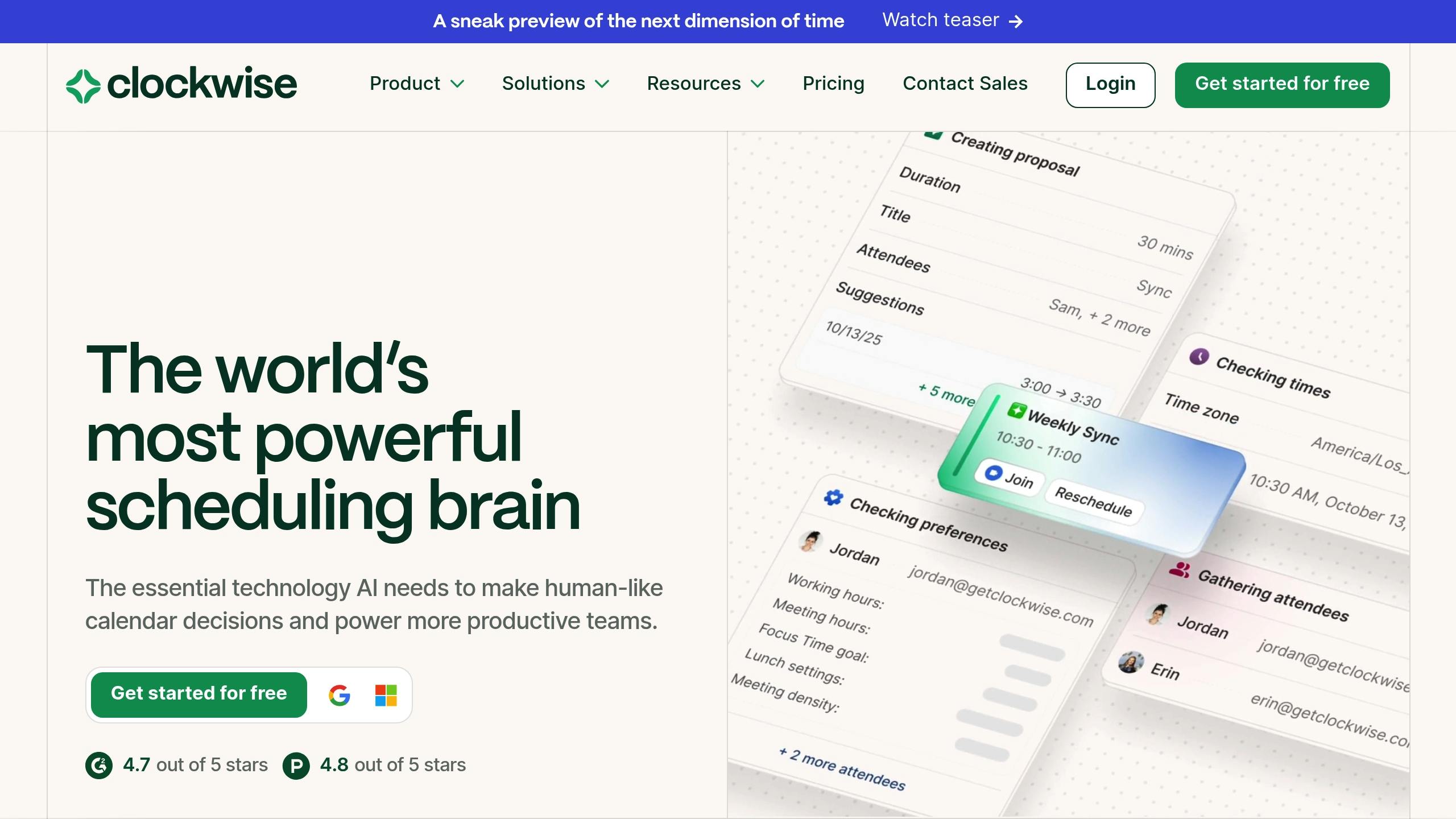
Clockwise addresses a common struggle for remote workers in Australia: juggling packed calendars. This AI-driven scheduling tool reshapes your calendar to carve out longer periods of uninterrupted focus time while cutting down on meeting overload. By analysing your calendar habits, Clockwise adjusts schedules automatically, grouping meetings together and saving you from endless back-and-forth emails [3].
One of its standout features is the ability to reserve uninterrupted blocks of time. This not only boosts concentration on demanding tasks but also helps reduce distractions, giving remote workers the mental space they need to dive into their projects without constantly shifting gears.
Clockwise also takes individual work patterns into account, making it easier to coordinate schedules while respecting peak productivity hours. By simplifying the process of managing multiple calendars and streamlining meetings, it frees up time for what truly matters - your priority work.
Up next, see how Grammarly helps remote teams refine their written communication.
7. Grammarly: Writing Assistance for Clearer Communication
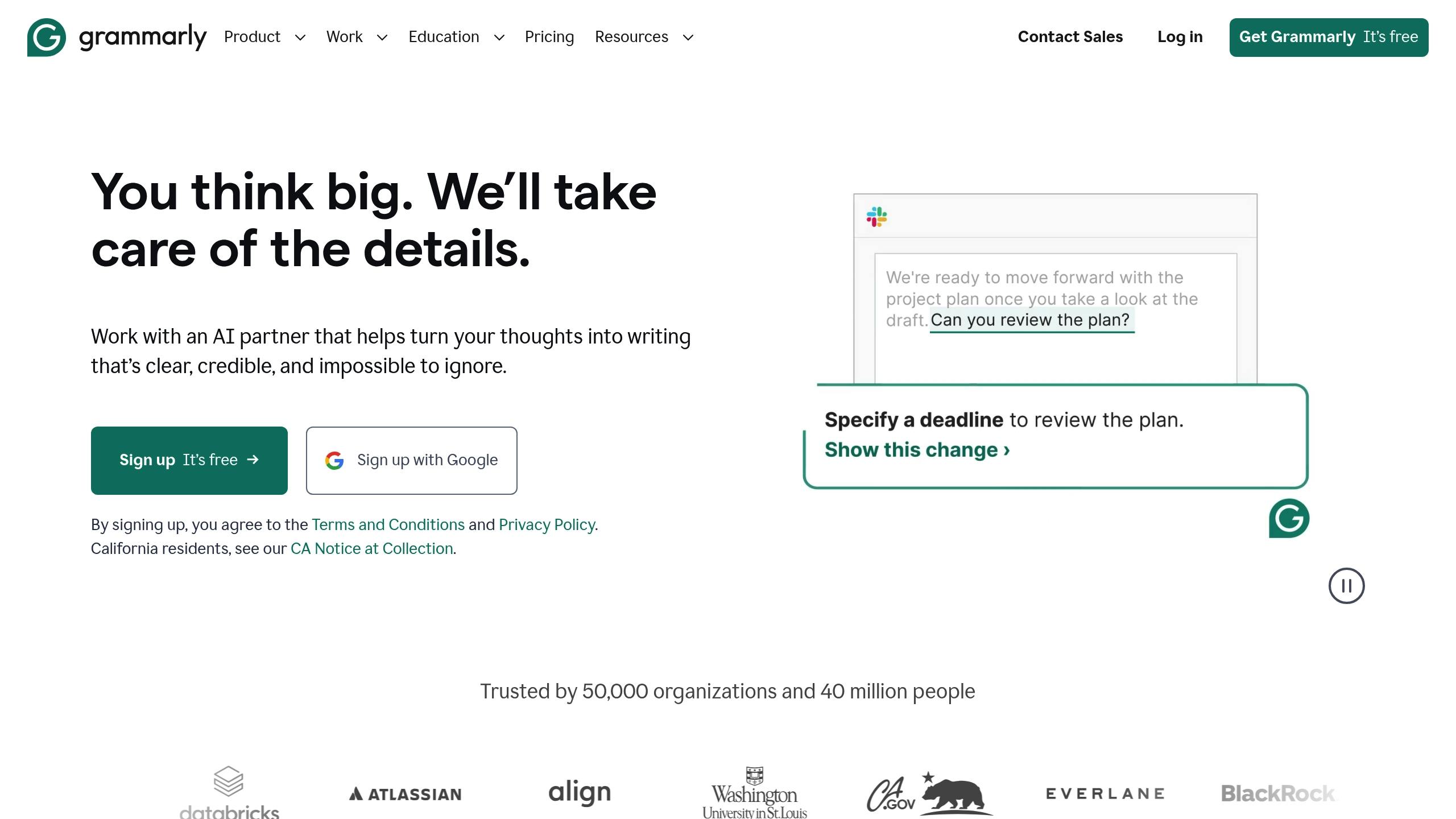
In the world of remote work, written communication is the glue that holds everything together - emails, reports, proposals, and team messages keep Australian remote teams running smoothly. Grammarly, an AI-powered writing assistant, steps in to make sure your words are polished, professional, and easy to understand.
Grammarly doesn’t just catch grammar, spelling, and punctuation mistakes; it also saves you time by streamlining the proofreading process. This means you can shift your focus to the content itself rather than nitpicking over minor errors.
But it doesn’t stop at basic corrections. Grammarly offers real-time suggestions to make your writing sharper and more concise. If a sentence feels too long or overly complicated, it suggests simpler alternatives. It even adjusts the tone of your writing to suit your audience - whether you’re crafting a laid-back team update or a formal proposal for a client.
For Australian remote workers, Grammarly’s localisation features are a game-changer. By selecting "Australian English" in GrammarlyGO, you can ensure that your spelling, phrasing, and idioms align with local norms, creating consistency across your team’s documents.
Grammarly integrates effortlessly with tools like Outlook, Google Docs, and web browsers, making it a versatile companion for all your writing tasks.
In 2025, small-business owners across Australia embraced GrammarlyGO for everything from emails and reports to academic writing and proposals. Its effectiveness is clear from the numbers: 1 in 4 Australian professionals uses GrammarlyGO weekly [5].
By improving clarity and reducing misunderstandings, Grammarly strengthens collaboration and helps teams work more efficiently.
Up next, learn how TimeHero can help you predict workload demands and optimise workflows.
8. TimeHero: Demand Forecasting and Workflow Management
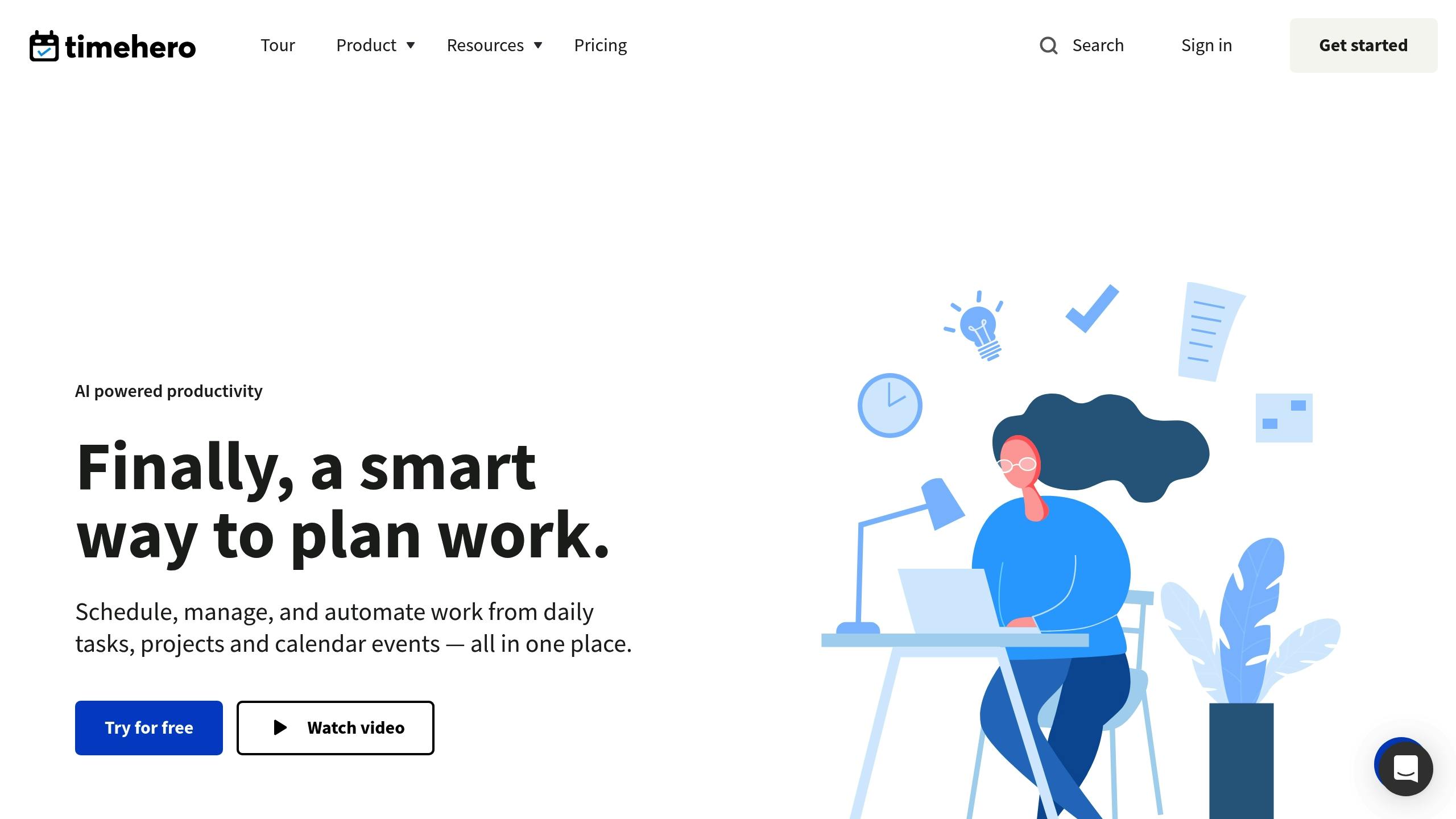
Remote teams often struggle with managing fluctuating workloads and adjusting to constant changes. TimeHero steps in by using AI to simplify task scheduling and streamline workflow management. This reduces the need for manual planning and offers a clearer picture of how tasks are distributed, making it easier to spot potential bottlenecks. For teams spread across different regions in Australia, this method of structured scheduling ensures tasks are organised more efficiently. It’s a great example of how AI-powered automation can boost productivity in remote work settings. On top of this, Workday's AI adds another layer of support, focusing on employee well-being within remote teams.
9. Workday: AI-Driven Burnout Detection and Employee Wellbeing
Remote work has brought unique challenges to employee wellbeing and productivity. In response, Workday has taken its AI capabilities beyond task management, focusing on tools that support employee well-being. By integrating its AI suite with essential workplace tools, Workday aims to streamline team data for better planning and support.
Maintaining team wellbeing is especially crucial for remote teams, particularly in Australia, where businesses often manage employees spread across states and time zones - from Perth to Sydney and Brisbane. These AI-driven tools offer the potential to optimise workload planning and provide meaningful support to employees. While specific features such as automated HR tasks or direct burnout detection haven't been outlined, the focus remains on improving how organisations handle workload management and employee care.
As workplaces continue to adapt to remote and hybrid models, Workday’s expanded AI tools provide data-driven solutions to help businesses enhance employee engagement and well-being in this evolving landscape.
10. Miro AI: Simplifying Cross-Functional Teamwork
For remote teams spread across different locations, having a centralised collaboration space is crucial. Miro AI transforms a standard digital whiteboard into a smart collaboration hub, automating tedious design tasks to save time and keep teams on the same page.
With Miro AI, tasks like organising sticky notes, running brainstorming sessions, and formatting diagrams become effortless. For example, a product manager in Melbourne can quickly draft a customer journey map, while a designer in Brisbane works on wireframes - all within the same collaborative workspace. By creating structured frameworks from simple prompts, Miro AI provides a shared visual reference that enhances communication and keeps everyone aligned.
This tool excels at turning visual content into clear, organised diagrams and flowcharts. It helps bridge the gap between technical and non-technical team members, enabling seamless collaboration - even when working asynchronously across Australia's time zones.
Miro AI demonstrates how AI-driven tools can transform remote teamwork, making it easier for diverse teams across Australia to work together effectively. It’s a practical solution for streamlining workflows and fostering better collaboration, no matter where your team members are based.
Comparison Table
Choosing the right AI tool depends on your team's goals, size, and the effort needed to set it up. The table below outlines key features of various tools to help you decide.
Tool | Primary Function | Ideal Team Size | Implementation Complexity | Best For |
|---|---|---|---|---|
Smartsheet | Workflow automation and task management | Medium to large teams (10-500+ people) | Moderate – requires initial setup and workflow configuration | Teams needing automated task tracking and managing complex project dependencies |
Slack with AI | Communication and intelligent notifications | Small to large teams (5-1,000+ people) | Low – quick setup with gradual AI feature adoption | Teams focused on real-time communication and reducing notification overload |
Asana | AI-assisted project management | Small to large teams (5-500+ people) | Low to moderate – intuitive interface with optional advanced features | Teams managing multiple projects with varying complexity levels |
Notion AI | Collaborative documentation and knowledge management | Small to medium teams (2-100 people) | Low – straightforward setup with flexible customisation | Teams building centralised knowledge bases and collaborative documents |
Monday.com | Real-time performance and goal tracking | Small to large teams (5-500+ people) | Moderate – requires dashboard configuration and metric setup | Teams focused on tracking KPIs and visualising progress across departments |
Clockwise | AI-powered scheduling and calendar management | Small to medium teams (5-100 people) | Low – integrates directly with existing calendars | Teams dealing with meeting overload and calendar conflicts |
Grammarly | Writing assistance and communication clarity | Individual to large teams (1-unlimited) | Very low – browser extension or app installation | Teams that need clear and professional writing |
TimeHero | Demand forecasting and workflow management | Small to medium teams (5-50 people) | Moderate – needs project planning and task estimation input | Teams balancing multiple projects with shifting priorities |
Workday | AI-driven burnout detection and employee wellbeing | Medium to large organisations (50-10,000+ people) | High – enterprise-level implementation with HR integration | Organisations prioritising employee wellbeing and retention |
Miro AI | Cross-functional collaboration and visual planning | Small to large teams (3-500+ people) | Low – simple onboarding with immediate collaborative features | Teams working on design, brainstorming, and visual project planning |
This table offers a quick snapshot to match your team's needs with the right tool. Tools with low complexity can be deployed in a matter of days, while moderate ones may take weeks, and high-complexity solutions might require months of preparation. The "ideal team size" reflects scalability rather than strict limits.
For example, a small Sydney-based startup with five team members might find Clockwise and Notion AI perfect for managing scheduling and collaborative documentation. On the other hand, a larger organisation with distributed teams across Melbourne, Brisbane, and Perth could benefit from combining Smartsheet for workflow automation and Workday for employee wellbeing.
Each tool shines in specific areas. If your team needs better communication clarity, Grammarly is a quick and effective solution. For teams juggling multiple projects and shifting deadlines, TimeHero's demand forecasting can be a game-changer.
Looking for a powerful combination? Pair Slack for real-time communication with Asana for long-term project management. Together, they create a balanced system for both immediate collaboration and strategic planning.
Conclusion
Remote work comes with its fair share of challenges - communication gaps, scheduling conflicts, and project management hurdles. The ten AI tools discussed in this article tackle these issues head-on by automating repetitive tasks, simplifying collaboration, and freeing up your team to focus on strategic priorities.
These tools step in to handle the mundane - whether it's flagging early signs of burnout, organising schedules, or monitoring project progress. By letting AI take care of the routine, your team can channel their energy into solving problems creatively, thinking strategically, and fostering stronger relationships with clients.
That said, diving into AI without a clear plan can backfire, wasting both time and money. Organisational readiness is key. Equip your team with the training and support they need to make the most of the tool. A system that's overly complex or mismatched to your current setup is likely to gather dust. Start small - pick one or two tools that directly address your biggest challenges, and scale up as your team gains confidence.
Australian businesses are already proving how effective these tools can be. From startups in Sydney to large enterprises across Melbourne and Brisbane, teams are seeing tangible results. The secret? Choosing tools that align with their specific needs and team size, as highlighted in the comparison table earlier.
To boost productivity, start by testing a tool that targets your primary challenge - whether it's reducing meeting fatigue, improving communication, or streamlining project tracking. Many platforms offer free trials or freemium options, making it easy to experiment. Measure the time saved and gauge improvements in team morale. When AI takes care of the busywork, your workflows become smoother and your team can focus on what truly matters.
The future of remote work isn't about pushing harder - it’s about working smarter, with AI tools as your team’s reliable support system.
FAQs
How can AI tools help solve common remote work issues like communication breakdowns and scheduling conflicts?
AI tools play a key role in minimising communication hiccups and scheduling challenges in remote work settings. By automating scheduling, they ensure meetings are arranged at times that accommodate everyone's availability, even when team members are spread across multiple time zones. This eliminates the hassle of back-and-forth emails to coordinate schedules.
These tools can also create concise summaries of meetings and discussions, keeping everyone on the same page without requiring lengthy follow-ups. This is especially valuable for teams juggling different time zones or busy calendars.
On top of that, AI chatbots or virtual assistants can provide instant answers to routine queries, cutting down on delays in communication. By simplifying workflows, these tools make collaboration easier and help remote teams remain productive and connected, no matter where they are.
What should a team consider when choosing an AI tool to improve remote work productivity?
When choosing an AI tool to enhance productivity for remote work, there are a few essentials to keep in mind. First up, ease of use - the tool should be straightforward and require little to no training. The goal is to help your team hit the ground running, not get bogged down in complicated setups.
Next, take a close look at the features and support resources. Are they tailored to your team’s specific needs? A tool that aligns with your challenges can make all the difference.
Budget matters too. Weigh the cost against the value it brings to your team. Does it improve workflows and collaboration enough to justify the expense? A proven track record can be a good indicator here.
Finally, check how well the tool integrates with your current systems. Seamless integration is key to avoiding disruptions and keeping your operations smooth.
How can businesses assess whether AI tools are boosting productivity and team morale in remote work settings?
To assess how well AI tools are boosting productivity and team morale, businesses can focus on tracking specific metrics like task completion rates, time saved on repetitive tasks, and overall team output. Beyond the numbers, regular employee surveys or feedback sessions can offer valuable insights into how these tools are influencing morale and collaboration.
Qualitative factors also play a big role. For example, improvements in communication, reduced stress from heavy workloads, and smoother workflows can indicate the positive effects of AI tools. By blending data analysis with direct team input, businesses can get a well-rounded view of how these tools are shaping a more efficient and supportive remote work environment.